



Tax invoices
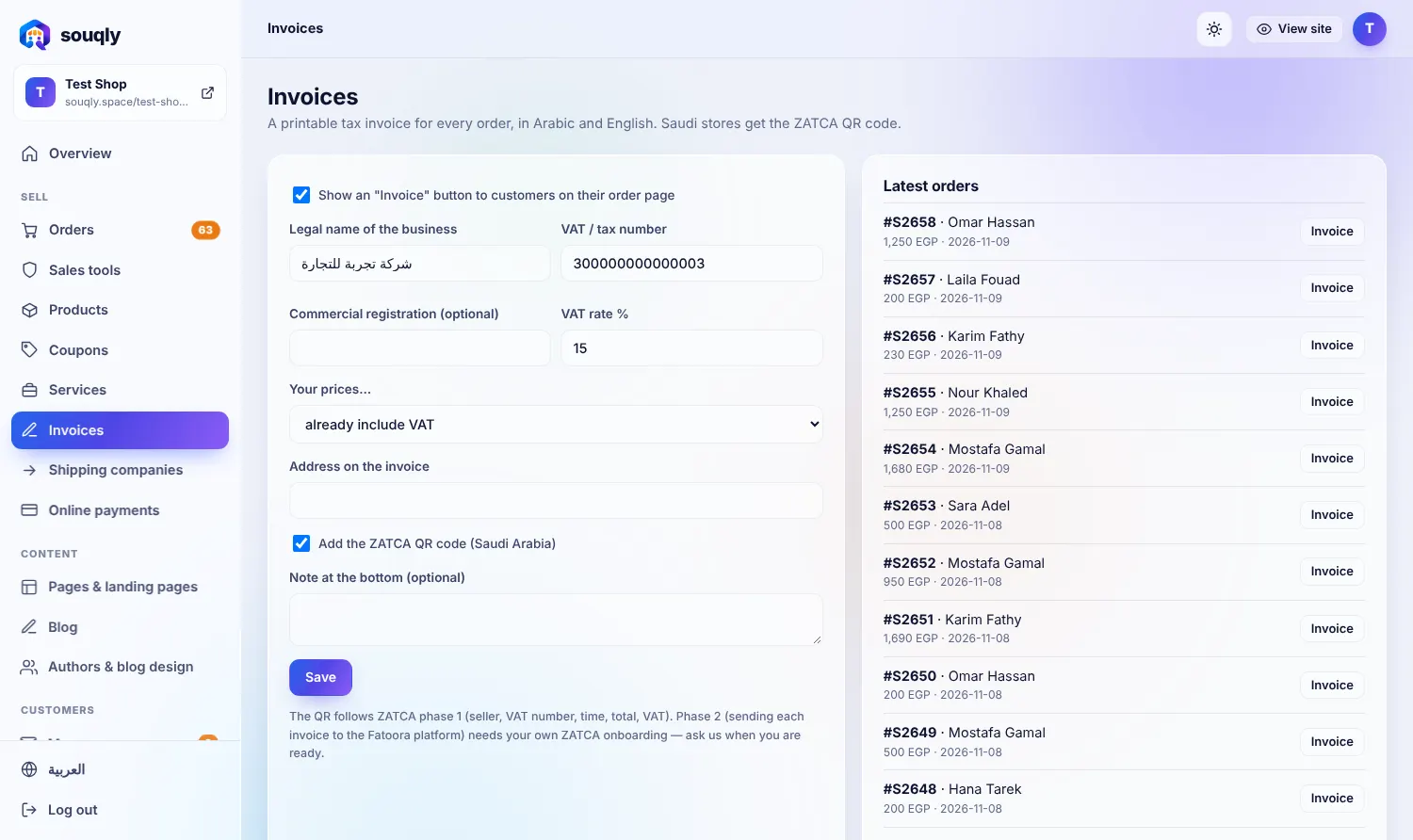
Professional invoices for every order in Arabic and English, with your tax number and the ZATCA QR code for Saudi stores. Download or send with one click.
Everything in Tax invoices
Tax invoice per order
Arabic and English layouts
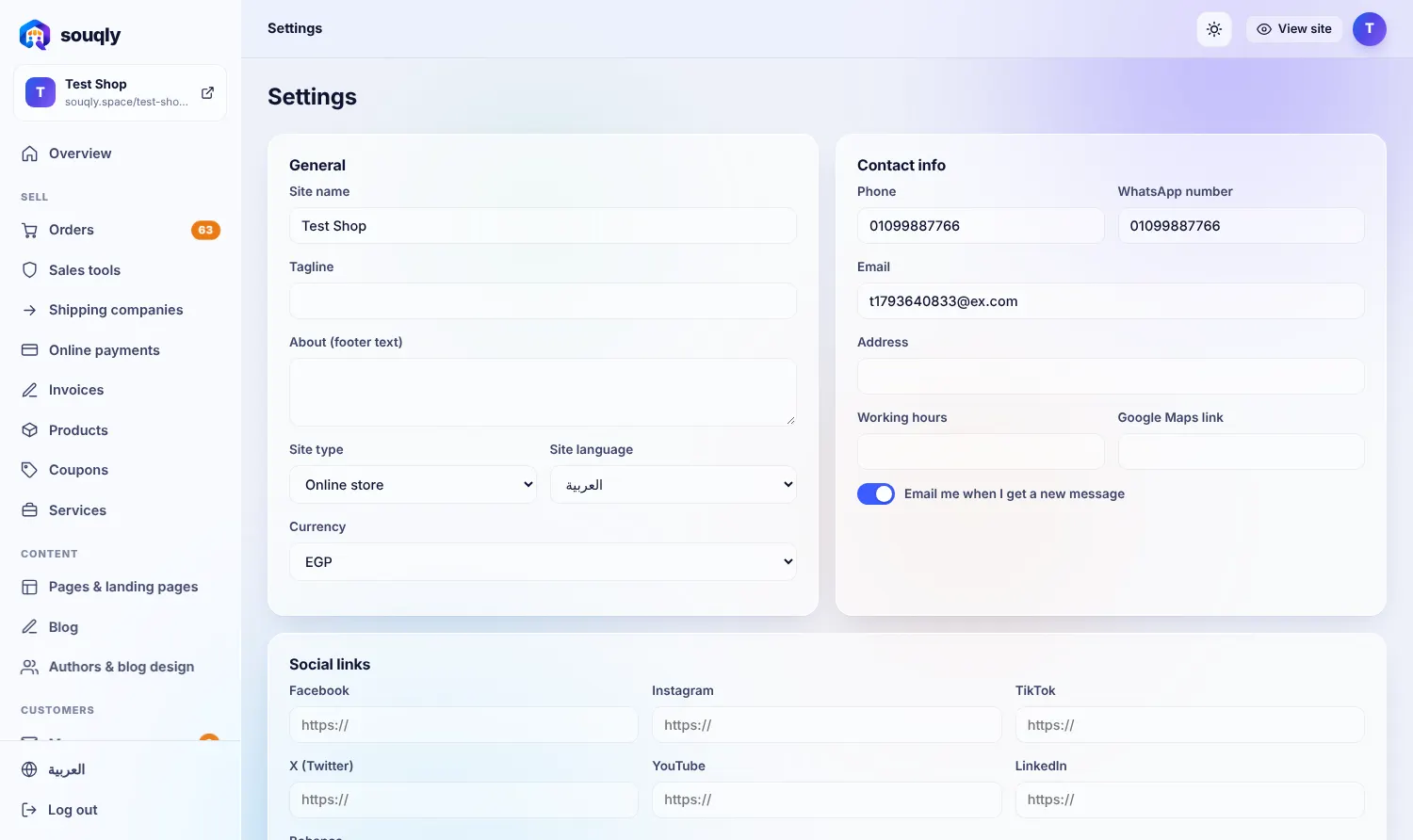
Your logo, address and tax number
ZATCA QR for Saudi Arabia
VAT line and totals handled
Print or save as PDF
From zero to live in three steps
- 1Add your business details in Invoices.
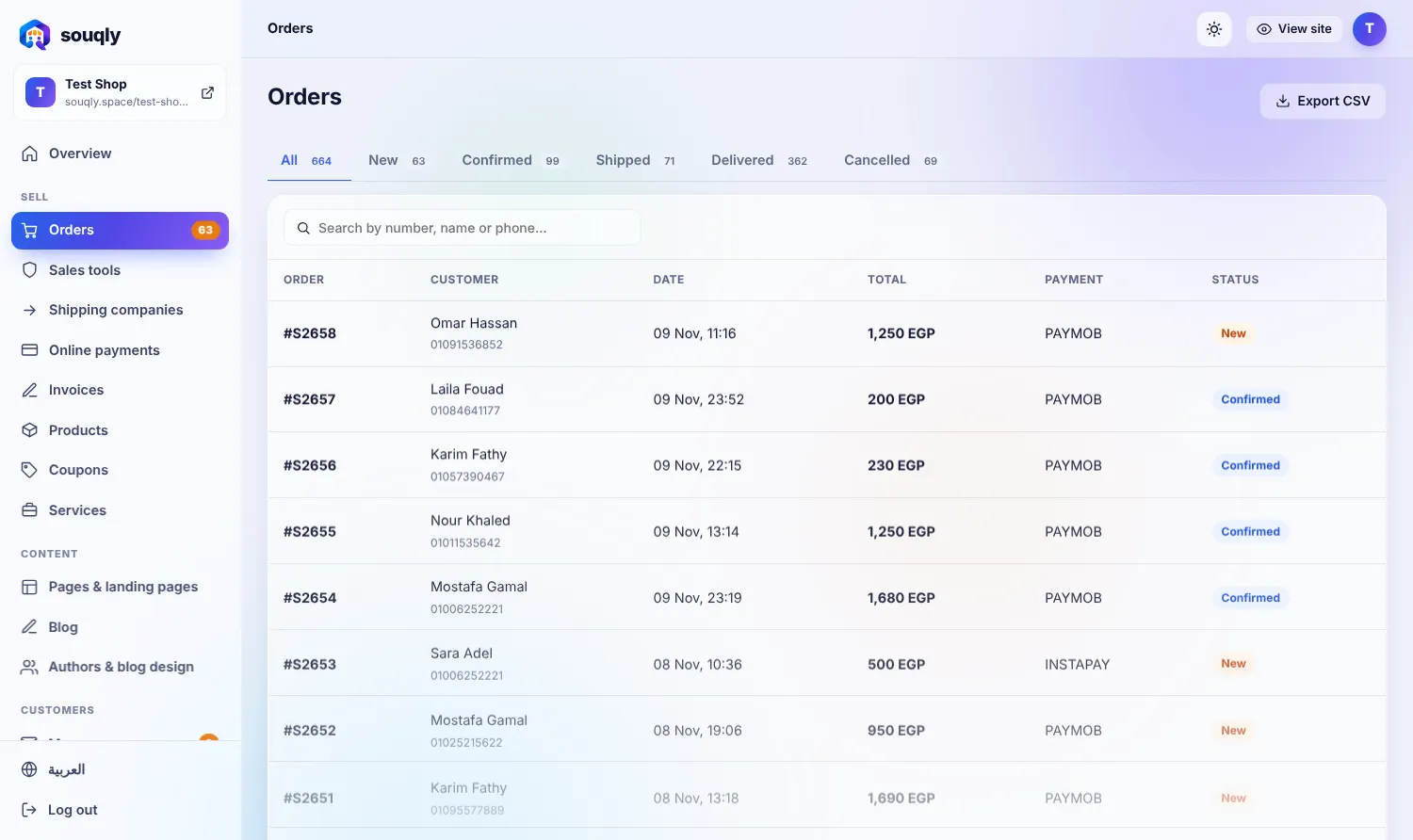
- 2Open any order and click Invoice.
- 3Print, save or send to the customer.
Built for the way you sell
Confirm first, ship second, and cut returns.
A team that handles hundreds of orders a day.
Local currencies, gateways and tax invoices.
Move orders from chats into one organised inbox.
Questions about Tax invoices
Is the ZATCA QR compliant?
Souqly generates the QR in the format used on simplified tax invoices; confirm your own obligations with your accountant.
Can I number invoices?
Yes, invoice numbers are generated in sequence.
Related features
Statuses, notes, shipping and CSV export, with a risk badge on every order.
Learn more →Orders & paymentsOnline paymentsPaymob, Kashier, Tap, Moyasar, Stripe and PayPal — paid straight to you.
Learn more →Orders & paymentsTeam accounts & merchant appStaff with permissions, an activity log and a notification for every order.
Learn more →Want Tax invoices working in your store?
Leave your details and a real person from the Souqly team will reply within a few hours — on WhatsApp or email, whichever you prefer.
- Reply within a few hours
- Free setup advice, no obligation
- 0% commission on your sales
- Arabic support on WhatsApp
Your store. Live this week.
Free address, Arabic and English, ready themes. Start in minutes — no code, no developers.