



WhatsApp confirmation
Confirm cash-on-delivery orders the way your customers prefer: on WhatsApp. Ready-made Arabic and English messages for confirmation, shipping and delivery — one tap each.

Everything in WhatsApp confirmation
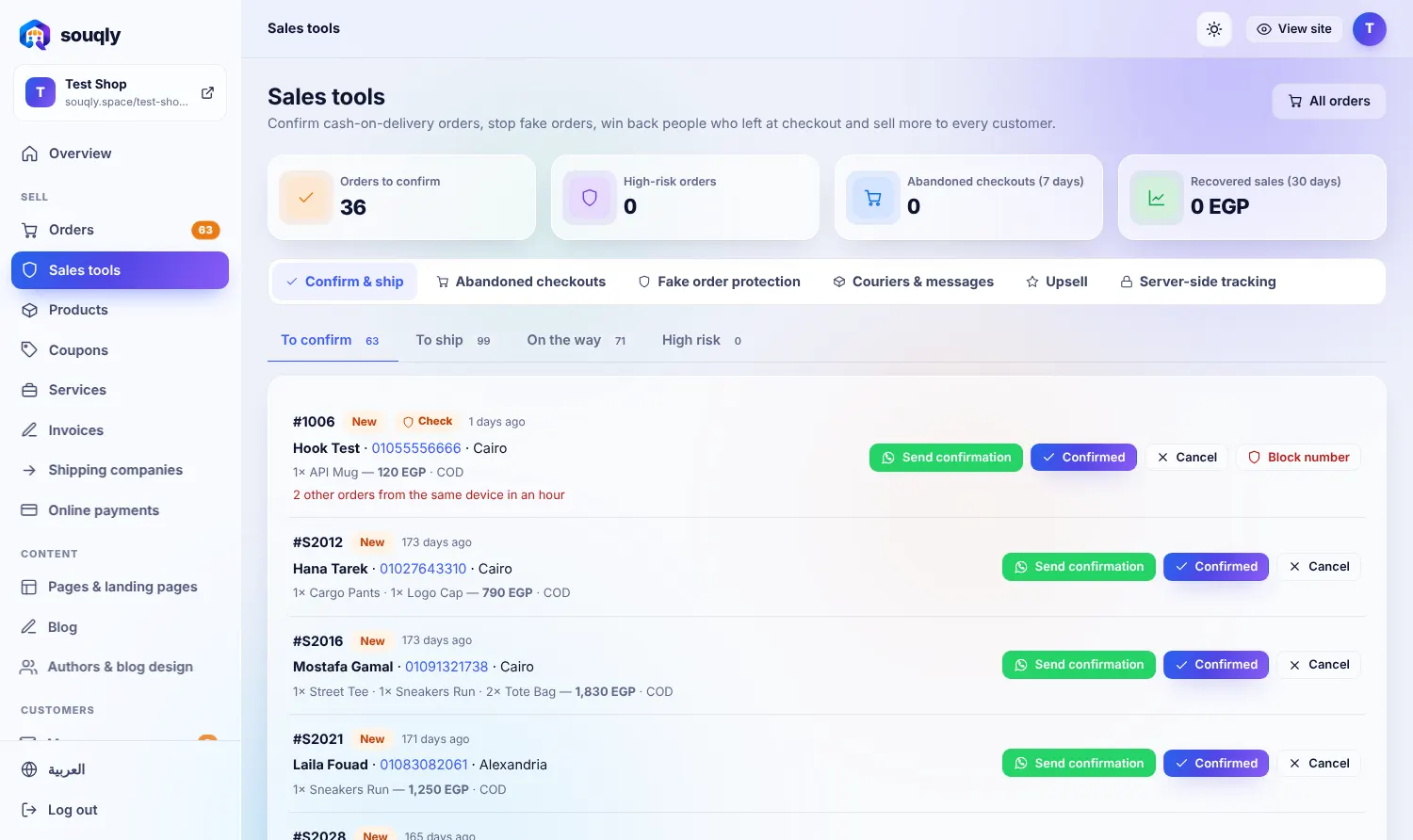
One-tap message from the order page
Templates you can edit with order details
Confirm, ship and delivered messages
Fewer returns because customers confirm first
Works with your normal WhatsApp number
Mark orders as confirmed or cancelled
From zero to live in three steps
- 1Open a new order.
- 2Tap Send confirmation — WhatsApp opens with the message.
- 3Customer replies; you mark it confirmed.

Built for the way you sell
Confirm first, ship second, and cut returns.
A team that handles hundreds of orders a day.
Local currencies, gateways and tax invoices.
Move orders from chats into one organised inbox.
Questions about WhatsApp confirmation
Do I need the WhatsApp Business API?
No. It works with your regular WhatsApp or WhatsApp Business app.
Can I change the messages?
Yes, edit the templates in Settings.
Related features
Limits per phone and device, block lists and automatic risk flags.
Learn more →MarketingWhatsApp button everywhereOne tap from any page to a conversation.
Learn more →Orders & paymentsAll orders in one placeStatuses, notes, shipping and CSV export, with a risk badge on every order.
Learn more →Want WhatsApp confirmation working in your store?
Leave your details and a real person from the Souqly team will reply within a few hours — on WhatsApp or email, whichever you prefer.
- Reply within a few hours
- Free setup advice, no obligation
- 0% commission on your sales
- Arabic support on WhatsApp
Your store. Live this week.
Free address, Arabic and English, ready themes. Start in minutes — no code, no developers.